
A Better Alternative to Fusion 360 for
CNC & Robotics — not plugins
CAD, CAM & robots — unified from day one. No add-ons. No workarounds.
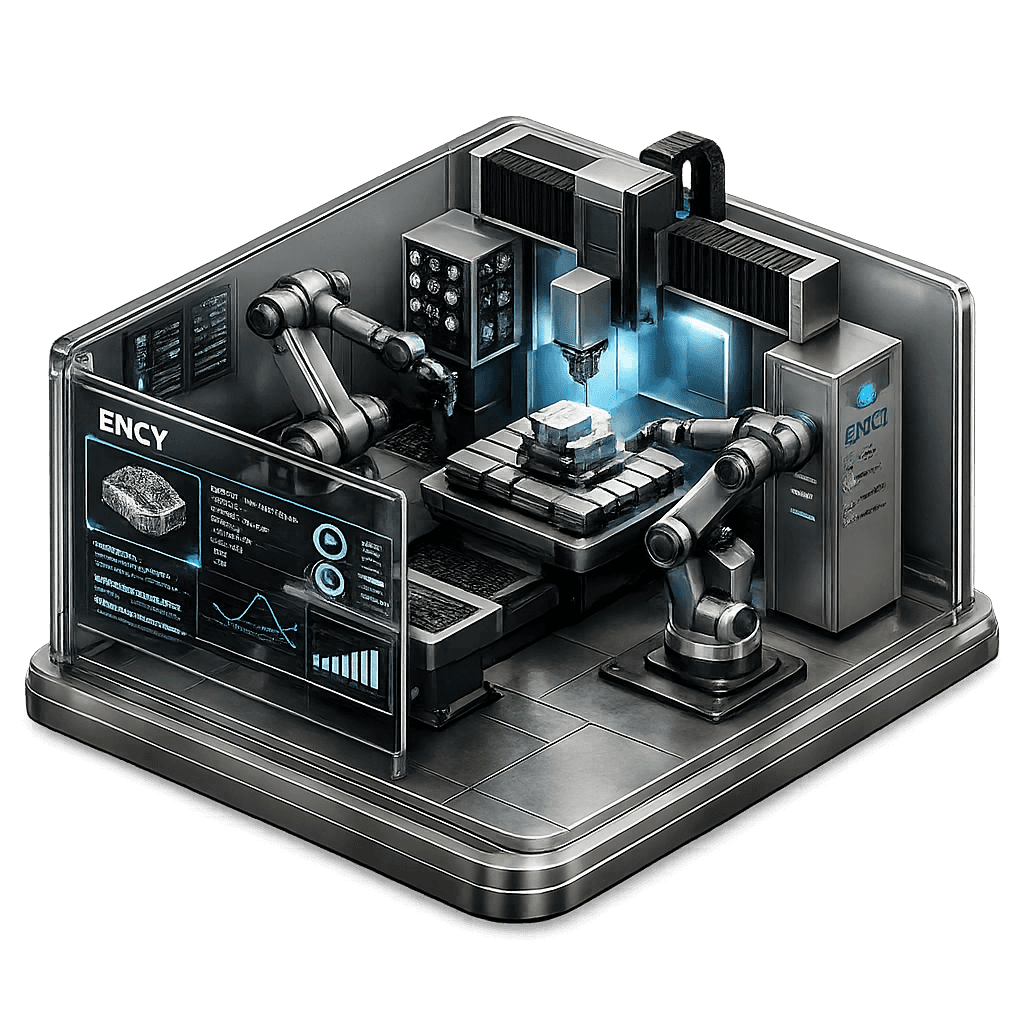
Where Fusion 360 Falls Short
Great for design. Not built for manufacturing.
No built-in robot programming
Requires external OLP tools
Rebuild toolpaths after every change
No automatic updates
Simulation ≠ real machine
Real limits not included
CAD, CAM & robots = separate tools
More exports. More rework.
Robots built in
No add-ons required
Toolpaths update automatically
No manual rework
Real machine simulation
What you simulate = what runs
Everything in one system
No exports. No workflow breaks.
Built for real machines — not plugins
Built for production CNC and robotics workflows.
Single data model
No manual updates
Real machine simulation
What you simulate = what runs
Parametric toolpath
No toolpath rebuilds
See ENCY at Work
From 5-axis CNC milling to complex robot cells — all programmed and simulated inside a single environment.
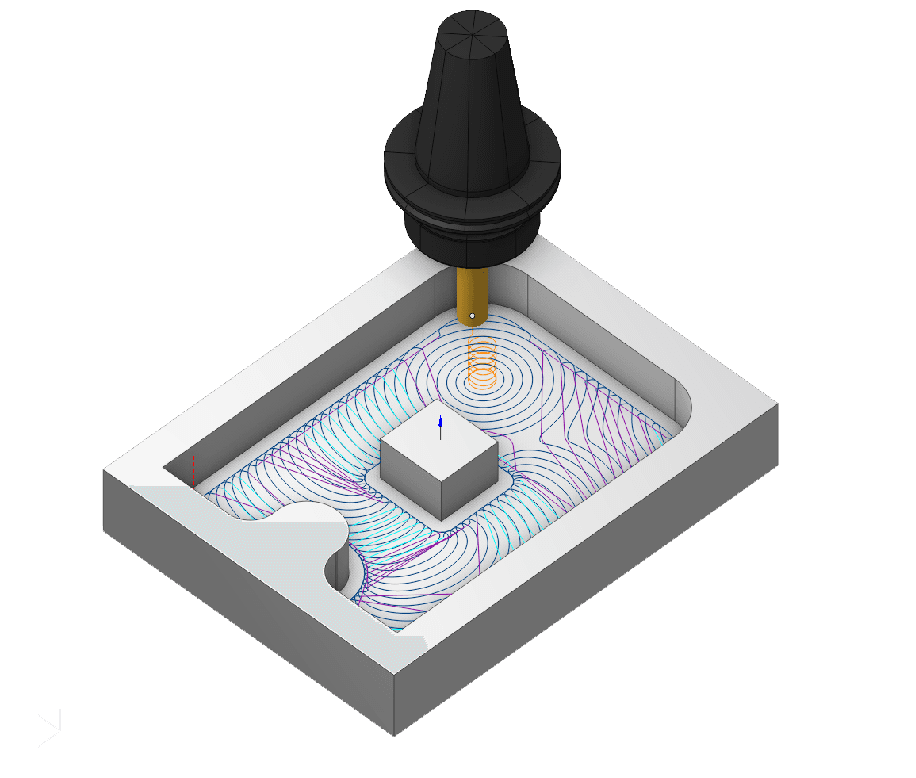
CNC Toolpath Simulation
Machine-aware simulation with real tool geometry and axis limits — catch collisions before they happen.
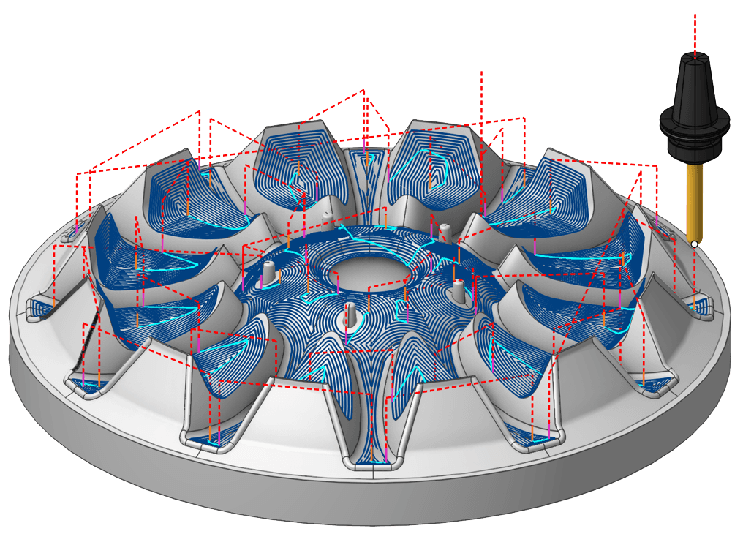
5-Axis Impeller Machining
Complex multi-axis toolpaths generated directly from CAD geometry and updated automatically on model change.
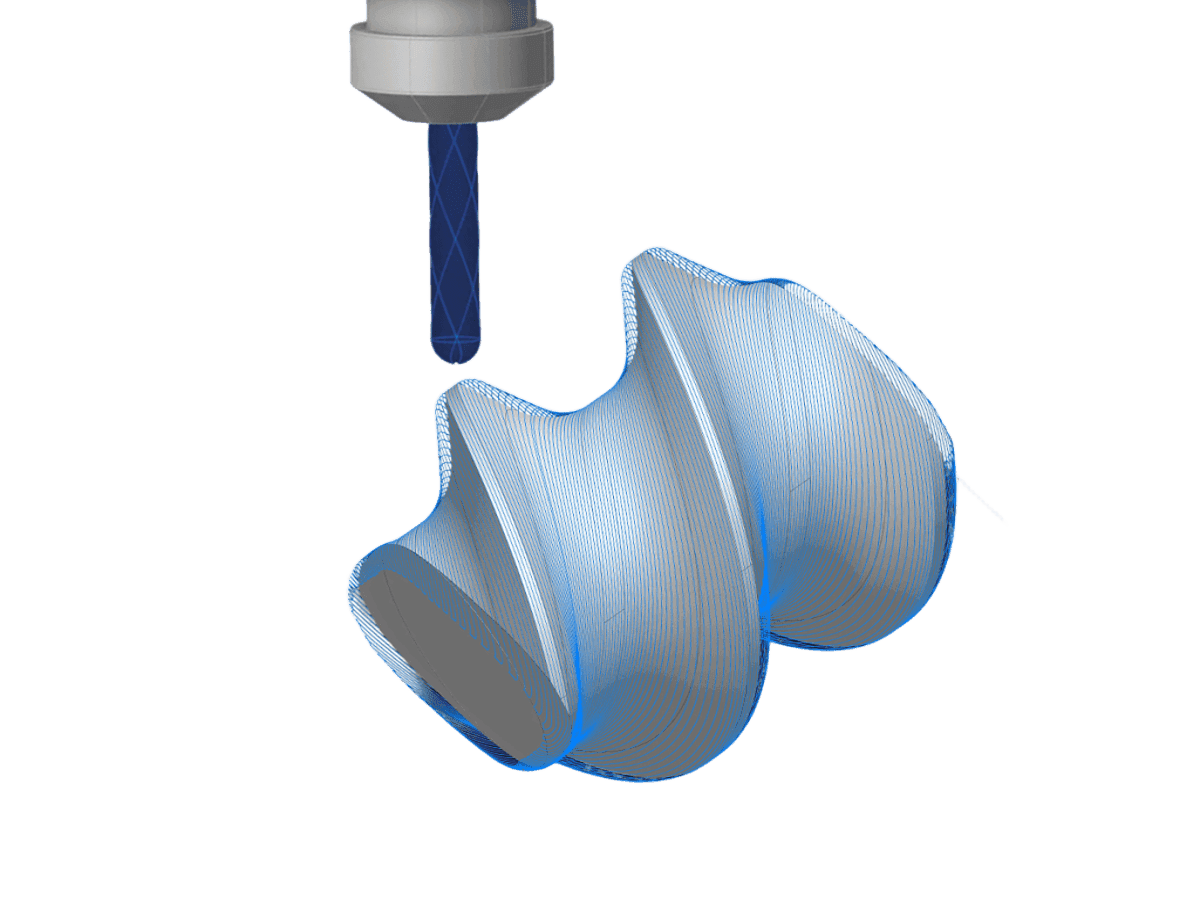
Precision Surface Machining
From 3D model to precision output — ENCY handles complex freeform surfaces with no manual toolpath rework.
ENCY vs Fusion 360
| Feature | ENCY Unified | Fusion 360 |
|---|---|---|
| Robots | ✅ Built in | ❌ Requires add-on |
| Auto toolpaths | ✅ Parametric | ❌ Manual |
| Simulation | ✅ Machine-aware | ⚠️ Generic |
| Workflow | ✅ Single environment | ❌ Fragmented |
| Tools needed | ✅ None | ❌ Multiple tools |
| Complex jobs | ✅ High | ⚠️ Limited |
Based on publicly available documentation and typical industrial workflows. Feature availability may vary by version and licence.
Results That Speak for Themselves
Based on internal case studies and production deployments. Actual outcomes may vary.
Ready to see it for yourself?
Start a free trial and explore ENCY in your own workflow — no commitment required.
Switching from Fusion 360 Is Easier Than You Think
ENCY is designed for a smooth transition — so you can move without disrupting your production schedule or your team's existing knowledge.
- 1
Familiar interface, short learning curve
ENCY's workspace is built for engineers already working in CAD/CAM environments. Most teams are productive within days, not months.
- 2
Import your existing data
Bring in geometry and setup documentation from Fusion 360 using standard formats. Your work doesn't start from zero.
- 3
Guided onboarding from the ENCY team
Structured support for your specific machine environment — from post-processor configuration to your first production run.
Frequently Asked Questions
Can ENCY fully replace Fusion 360?+
Does ENCY support robot programming?+
Is there a free trial?+
How long does it take to switch from Fusion 360?+
Is ENCY better than Fusion 360 for CNC?+
Stop Patching Fusion 360.
Start with a Platform Built for Manufacturing.
Try ENCY free — full access to CAD, CAM, and robot programming in one unified environment.
Legal disclaimer +
This comparison is based on publicly available documentation and typical industrial workflows at the time of publication. Feature availability may vary by software version, licensing, and regional offering.
All trademarks and product names are the property of their respective owners and are used solely for descriptive and comparative purposes.
Great for design. Not built for manufacturing.
No built-in robot programming
Rebuild toolpaths after every change
Simulation ≠ real machine
CAD, CAM, robots = separate tools
Robots built in (no add-ons)
Toolpaths update automatically
Real machine simulation
Everything in one system
Built for real machines — not plugins
Single data model
No manual updates
Real machine simulation
Simulation = reality
Parametric toolpath engine
No toolpath rebuilds
See ENCY at Work
From 3-axis to robots — one workflow
Catch collisions before cutting
Real machine simulation
Auto-updated 5-axis toolpaths
Directly from CAD
Complex surfaces. Zero rework
Precision machining from CAD
ENCY vs Fusion 360
| Feature | ENCY Unified | Fusion 360 |
|---|---|---|
| Robots | ✅ Built in | ❌ Requires add-on |
| Auto toolpaths | ✅ Parametric | ❌ Manual |
| Simulation | ✅ Machine-aware | ⚠️ Generic |
| Workflow | ✅ Single environment | ❌ Fragmented |
| Tools needed | ✅ None | ❌ Multiple tools |
| Complex jobs | ✅ High | ⚠️ Limited |
Based on publicly available documentation and typical industrial workflows. Feature availability may vary by version and licence.
Results That Speak for Themselves
Based on internal case studies and production deployments. Actual outcomes may vary.
Tired of rebuilding toolpaths?
Run everything in one system.
Switching from Fusion 360 is easy
Start in days — not months
- 1
Familiar interface
Start fast
- 2
Import your data
No need to rebuild
- 3
Guided onboarding
We help you launch
Frequently Asked Questions
Can ENCY fully replace Fusion 360?+
Does ENCY support robot programming?+
Is there a free trial?+
How fast can I switch from Fusion 360?+
Is ENCY better than Fusion 360 for CNC?+
Stop patching Fusion 360.
Switch to a real manufacturing platform.
CAD, CAM & robots — in one system
Legal disclaimer +
This comparison is based on publicly available documentation and typical industrial workflows at the time of publication. Feature availability may vary by software version, licensing, and regional offering.
All trademarks and product names are the property of their respective owners and are used solely for descriptive and comparative purposes.